
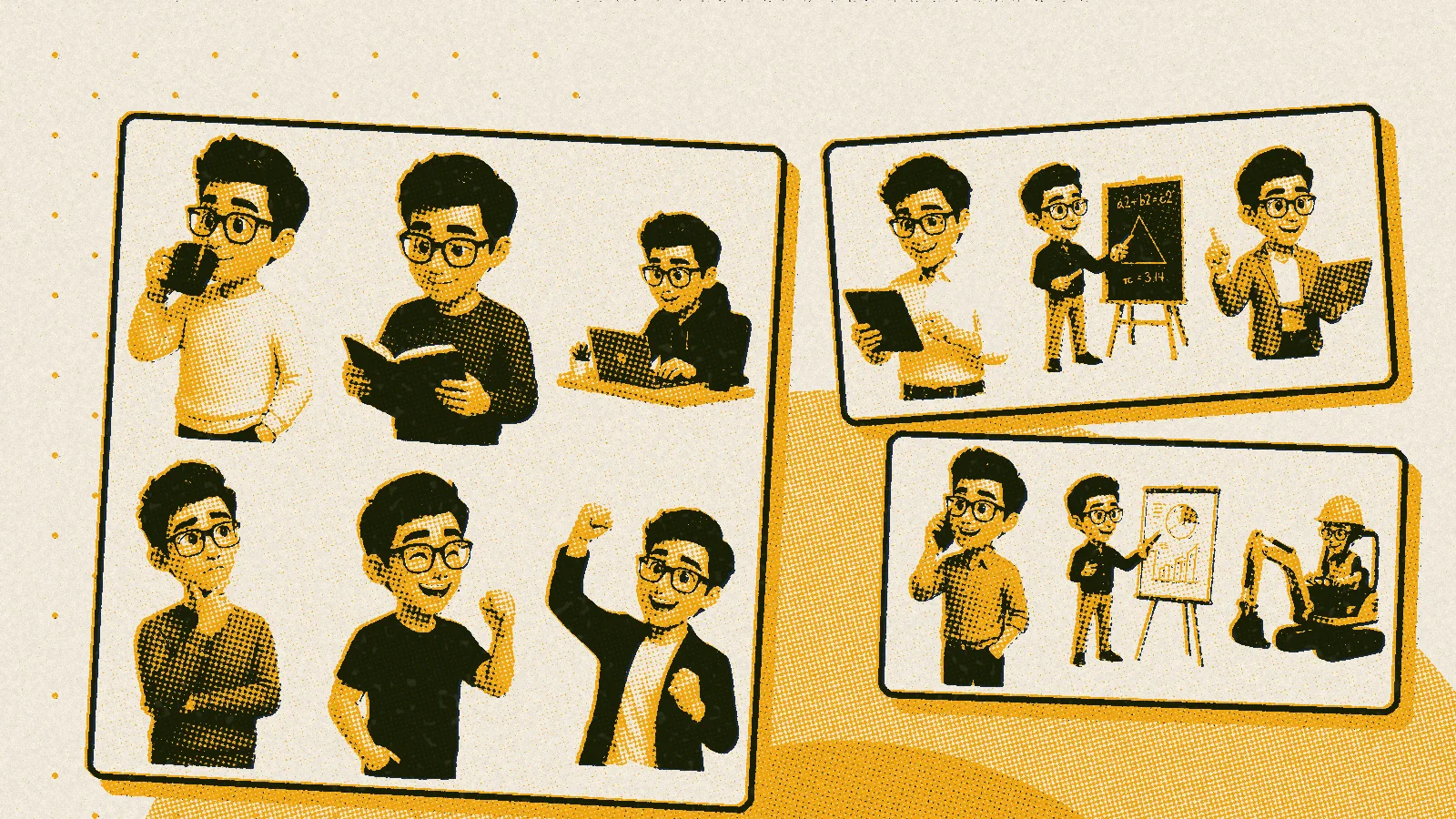
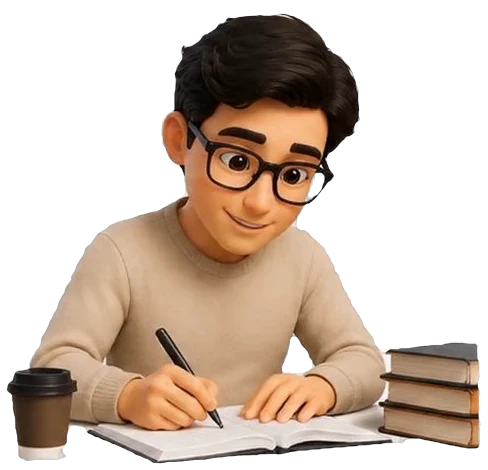
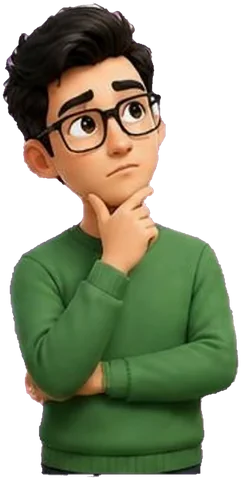
On Algebra, a small character sits in the corner of the screen: a cartoon version of me, with glasses and a big head. When a student answers correctly, it clenches a fist in a “yes!” gesture, after a mistake it holds its chin and thinks, and when a quiz is over it celebrates. I wanted the site to have someone who reacts instead of dry messages, and for a long time I thought it would be easy. It turned out that a lively, moving character is one of the harder things I have done on any website.
First attempt: every movement spelled out by hand
In June I made my first animation in a tool where a video is put together much like a website, from instructions written as text. A character in a simplified cartoon style wrote f(x) = x² in chalk on a blackboard, and a four-second loop played on the “About me” page. It looked friendly, but every movement had to be spelled out step by step, so a second, third or tenth pose was out of the question.
A character from sheets of poses
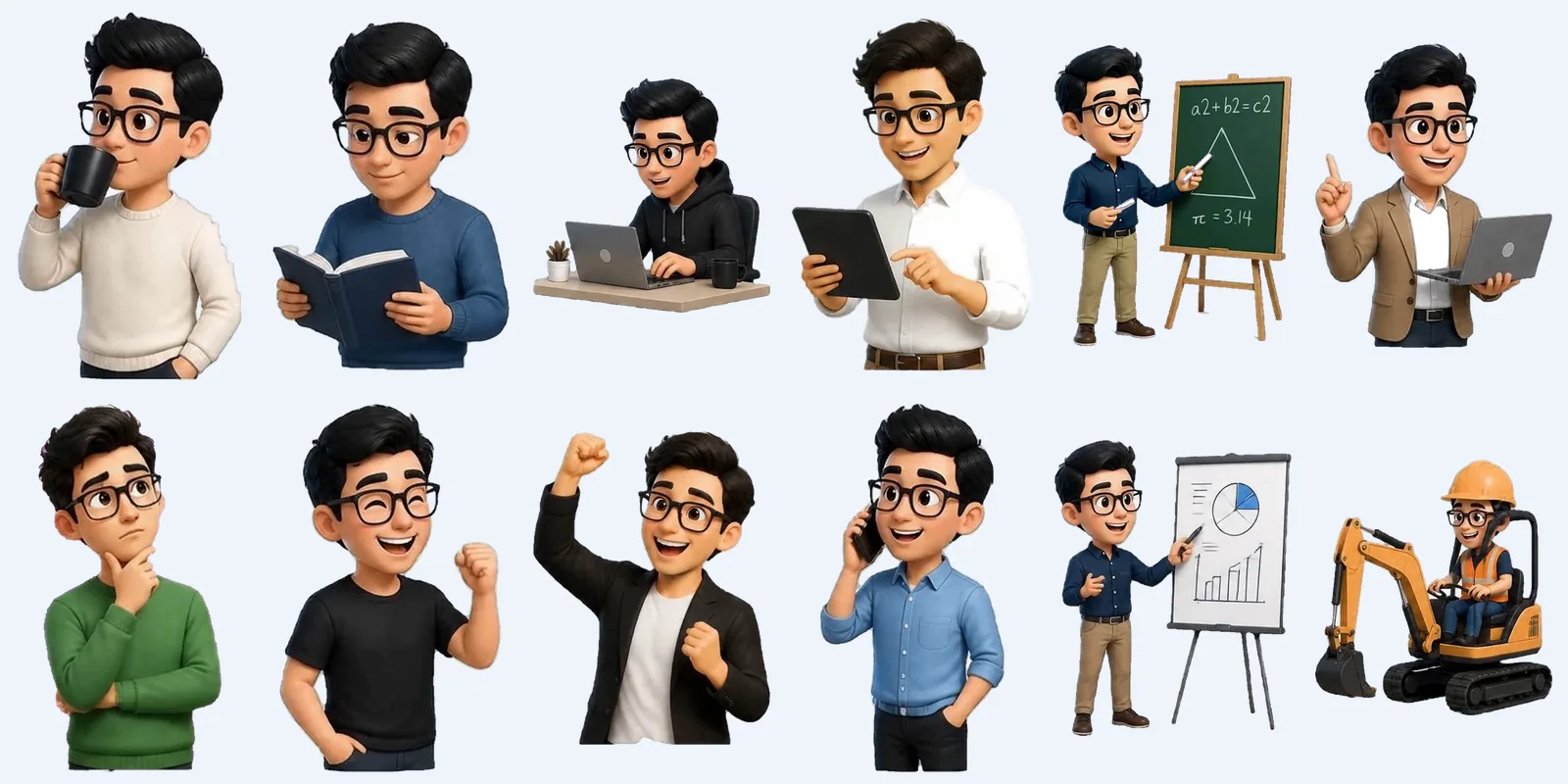
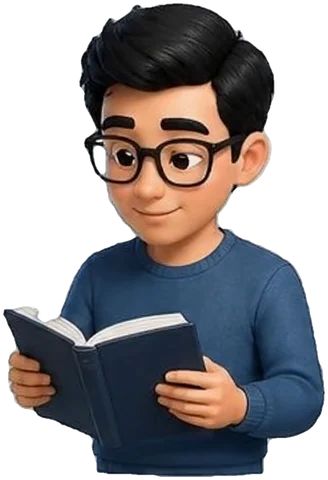
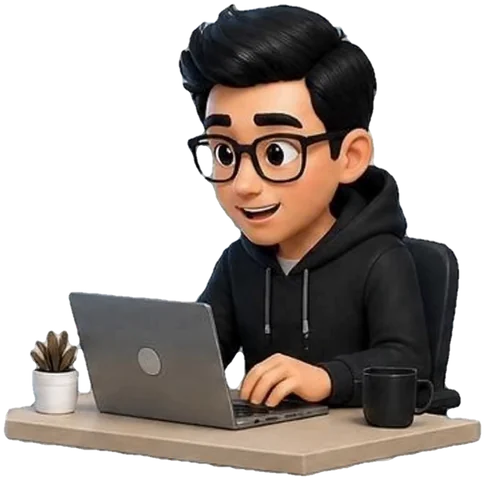
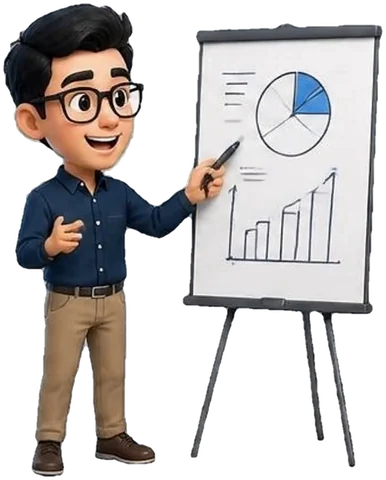
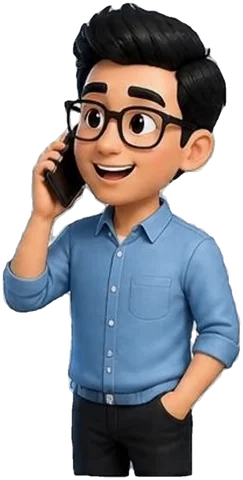
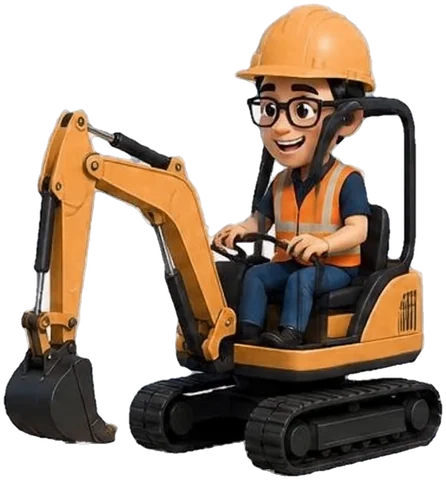
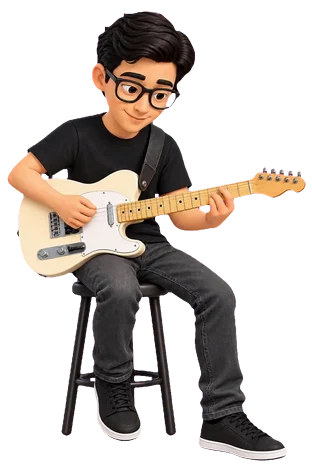
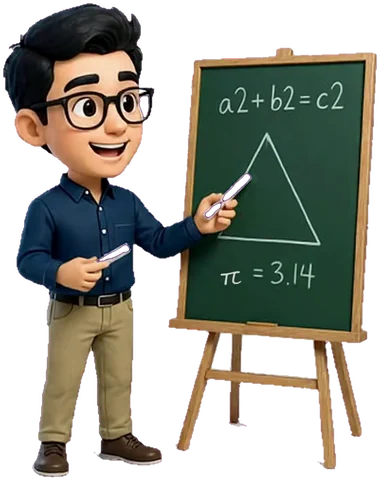
So I started with the look and left the movement for later. I generated the character with an image tool and wrote down its description so that every new pose would look the same: the same hair, thick black glasses, a big head on a small body, with only the outfits and props changing. That gave me four sheets full of poses: with a mug of coffee, with a laptop, at a blackboard, with a phone, and even in a hard hat at the controls of a mini excavator.
The first trap was already in the files. The sheets looked as if the character stood on a transparent background, but the grey checkerboard that graphics programs show where there is no background was simply painted onto the picture, so on the site the character would have had grey squares behind it. I wrote a small program that recognises the checkerboard by its light, almost grey dots, separates it from the character and cuts the sheets into single poses, this time with a truly transparent background. Four sheets gave 36 poses.
Swapped pictures and a skeleton in Rive
On 13 July the mascot appeared on Algebra for the first time, as a set of pictures swapped depending on the situation, with gentle “breathing”. It worked, but the character was as stiff as a paper cut-out. The same day I tried something more ambitious in Rive, a program for animating characters on websites: I split the drawing into separate parts, built a skeleton that moves them and prepared a calm animation for when the character is doing nothing. Everything was ready in the program, and what stopped me was a detail, because the free plan did not let me save the file in a form I could put on the site.
Video instead of animation
The next day I turned the problem around. Instead of animating the character myself, I handed the finished poses to a tool that turns a single picture into a five-second clip in which the character blinks, drinks coffee or taps on a tablet. I started with a free Chinese service where everything was in Chinese only. The picture had to be slipped into the form with a small program, and descriptions of the movement worked best when I wrote them in Chinese too. One clip took over twenty minutes, and the first two attempts went straight in the bin: in one the camera pulled back and the character became tiny, in the other, after I removed the default list of things the picture should avoid, everything dissolved into grey fog.
The reference clip with the coffee came out on the third try, but at that pace a full set of poses would have taken weeks. So I switched to the paid version of the same tool on another service, where a clip costs about ten cents and is ready in two or three minutes. I wrote a program for it that takes the next pose from a list, places it on a green background, orders the animation, removes the background and saves the finished file. Sixteen clips were made in a single day.
A green background that ate suits
A tool like that returns an ordinary video with a background, while on the site the character had to stand on any colour, so the background had to go. Every pose therefore went into animation on a plain green background, which I then cut out, the way television removes the green behind a presenter. In theory it is a simple trick, in practice I collected a whole list of traps:
- navy and dark clothes sit close to green in colour, so when the cutting was too gentle a suit fell apart into holes, and a light blue shirt could disappear completely,
- with fast movement, for example in the walking clip, the character blended with the background and came out semi-transparent like a ghost,
- a pose in a green jumper on a green background stood no chance, so such poses got a bright pink background and a separate clean-up of colour spill,
- the program I used to cut out the background dropped the transparency by default when it opened the finished file again, unless I told it explicitly how to read it, so for a while I was hunting for a bug that did not exist,
- Safari does not play transparency in this kind of video at all, so instead of the clip it shows the first frame as an ordinary picture.
One pose needed a separate operation. The maths teacher at the blackboard was not on any sheet, so it was made from another pose reworked in an image editing tool, and I added the π symbol on the board at the end with a program.
Where it is today
Since mid-July the mascot on Algebra has been a set of video clips with a transparent background, chosen to fit the situation: the tablet while it waits, “yes!” for a correct answer, thinking after a mistake, celebrating at the end of a quiz and waving hello at login. The same clips went into Panel Biznesu, where in the owner's area the character sits at a laptop.





I took one conclusion from the whole story: before building something myself, it is worth checking whether it can be put together from ready-made pieces. The skeleton in Rive took me a few hours and ended at a pricing plan, while sixteen clips from the video tool cost about two dollars. Most of the work still went not into the animation itself but into everything around it: a consistent look for the character, a clean transparent background and making sure that every browser shows at least a picture.