
Visitors see text, pictures, a form or a calendar, but making all of that work takes much more. My projects taught me about domains, email, servers, connections to other services and testing. I have brought those experiences together here because every one of these things held up my work at least once while remaining invisible to visitors.
The domain, or the site's address
I connected my first domain back when I was building Algebra, and even then it became clear that buying an address is only the beginning. The address has to lead to wherever the site lives, email has to know where to go, and the services the site uses want proof that the domain really belongs to me. All of this is set up in a kind of address book of the internet, which tells the rest of the web what is where.
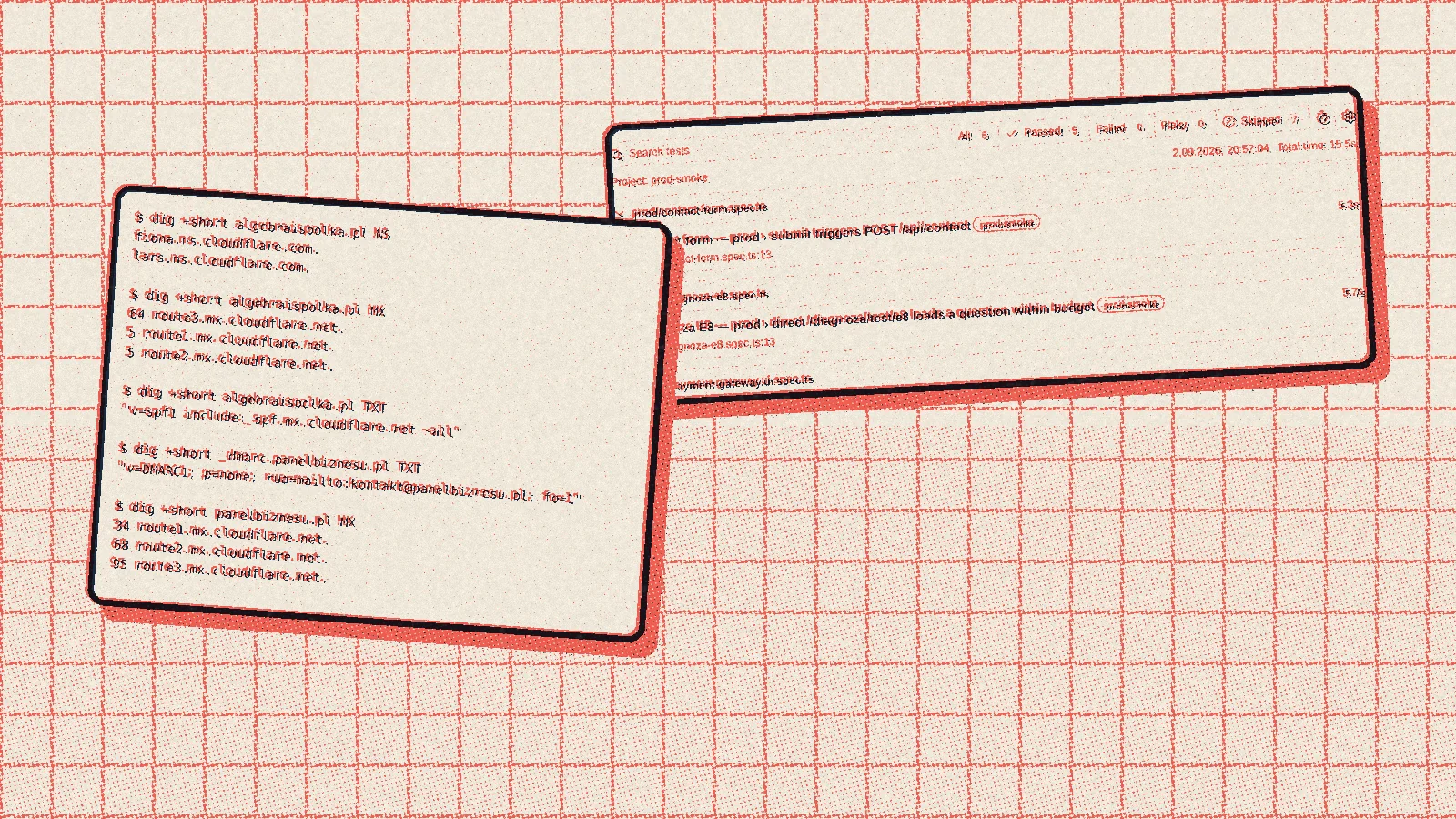
Today Cloudflare keeps that address book for my domains. You cannot buy a .pl address there, though, so you buy it from a Polish domain seller and then hand its management over to Cloudflare. In August I moved Algebra to a shorter address, algebraispolka.pl, and set up the old one so that every link leads by itself to its counterpart at the new one. The old domain expires in September, which is why I set up the redirects a month in advance, so that neither students nor search engines would end up on an empty page.
Email that actually arrives
At first I sent emails from my apps through an ordinary Gmail inbox. On a small scale it worked, until it turned out that the service hosting the site simply did not let such sending through, and that Gmail can replace the sender with its own address. That is why in newer projects emails go out through Resend, a service for sending mail from apps, from an address on the project's domain.
To keep such mail out of spam, a domain needs three entries in that same address book. The first says who may send email on its behalf, the second adds a signature to every message, and the third tells recipients' mailboxes what to do with an email that fails these checks. Mail coming in to contact addresses goes through Cloudflare to my ordinary inbox, so I do not have to maintain a mail system of my own. Where timing matters, I also get a notification on my phone and on WhatsApp.
My own machine in the cloud
Most of my projects run on services that start the app themselves and do not need me to look after anything. Sometimes, though, I needed an ordinary computer on the internet on which I could install whatever I wanted. That is how I ended up at Oracle Cloud, whose free plan offers such a machine, powerful enough for a good share of my needs.
For a while it processed videos for the Duostrings website and ran part of Planer Operacyjny. But a machine of your own is a completely different responsibility from a service that does everything itself, because you have to install updates, make sure everything comes back up after a restart, and set up the gateway that makes the programs reachable from outside. For simpler projects it is more convenient to have a service that takes all that off your plate. At Duostrings the video machine stopped being needed at the end of June, because files now go straight into storage through the site itself.
Connecting to Google's services
I have linked my projects to Google's services many times, and each time differently. In Algebra, for a few weeks in winter, the database was a Google spreadsheet that the app read data from and wrote it to, which I write about in a separate post. It worked, but slowly, so a proper database soon replaced it. Later came signing in with a Google account, and in other projects connections to spreadsheets and to geographic data. Each time it looked similar: first a project on Google's side, access keys, permissions and consents, and only then the first line of code. What usually took the most time was the part you cannot see in the code.
Macros, or recorded clicking
Before you could simply ask an AI assistant to operate the browser, I automated repetitive clicking with a browser add-on called UI.Vision. It records clicks and typing and then plays them back as a macro. At work it came in handy wherever the same thing had to be done dozens of times: I moved data from PDF files into a spreadsheet, from the spreadsheet into a file for the macro, and on that basis the macro filled in form after form in the browser, or opened hundreds of items one after another for review.
A macro like that has one drawback: it is fragile. All it takes is for a button on the page to move or change its name, and the whole recording stops working. That is why over time I replaced the macros with programs written in the tool I describe below. They look for a button by what it is, not by where it sits.
Tests that click for me
Playwright is a tool that controls a real browser with no person involved: it opens pages, clicks, types, takes screenshots and checks whether the result is what it should be. Today I use it in almost every project. On Algebra, since spring, it checks the most important paths on the live site after every new release. At Duostrings it checks file uploads and page speed, for the songbook it takes screenshots at iPad size, in portrait and landscape, and for the music game it opens two browsers that play a whole duel against each other.
At the beginning of August I added Sentry, a program that collects errors from an app that is already running. Tests tell me whether something works before a release, and Sentry tells me what breaks after it. It proved useful straight away, because it helped me find the cause of payments that did not go all the way through. Correcting a single address in the payment gateway's settings was enough for payment confirmations to start arriving.
Two years of learning
For me these two years were a period of very intensive learning: technologies, AI tools, domains, email, machines in the cloud, settings and tests. From the outside all you see of it are websites and apps, and yet each of them rests on several layers that I first had to understand and then set up so they would work without me. Today, when I start a new project, before I write the first line of code I already know where it will run, where it will send email from and how I will check that it works.