
Alongside Algebra and Panel Biznesu I have built a few smaller apps that I rarely mention, because I do not sell them to anyone. I made them for myself, to make something easier or to try out in practice an approach I did not know yet. Some of them ended after a few days, and one grew surprisingly large.
Goal planner
In January I made myself a simple goal planner. Goals are divided into categories and horizons: short, medium and long term, and each one can be broken down into smaller steps with a progress bar that grows as tasks are ticked off. The planner runs in the browser and keeps everything on the device you use it on, so there is no account to create and the data does not go to any outside database. It can be saved to a file and loaded back in later, and the labels switch between Polish, German and English.
The most interesting thing about this project is what there is most of in it: contrast fixes. Most of the changes I made to the planner are about making text readable on every background and in every colour variant. I had previously considered readability a minor detail, and it took more time than everything else put together.
Budget planner
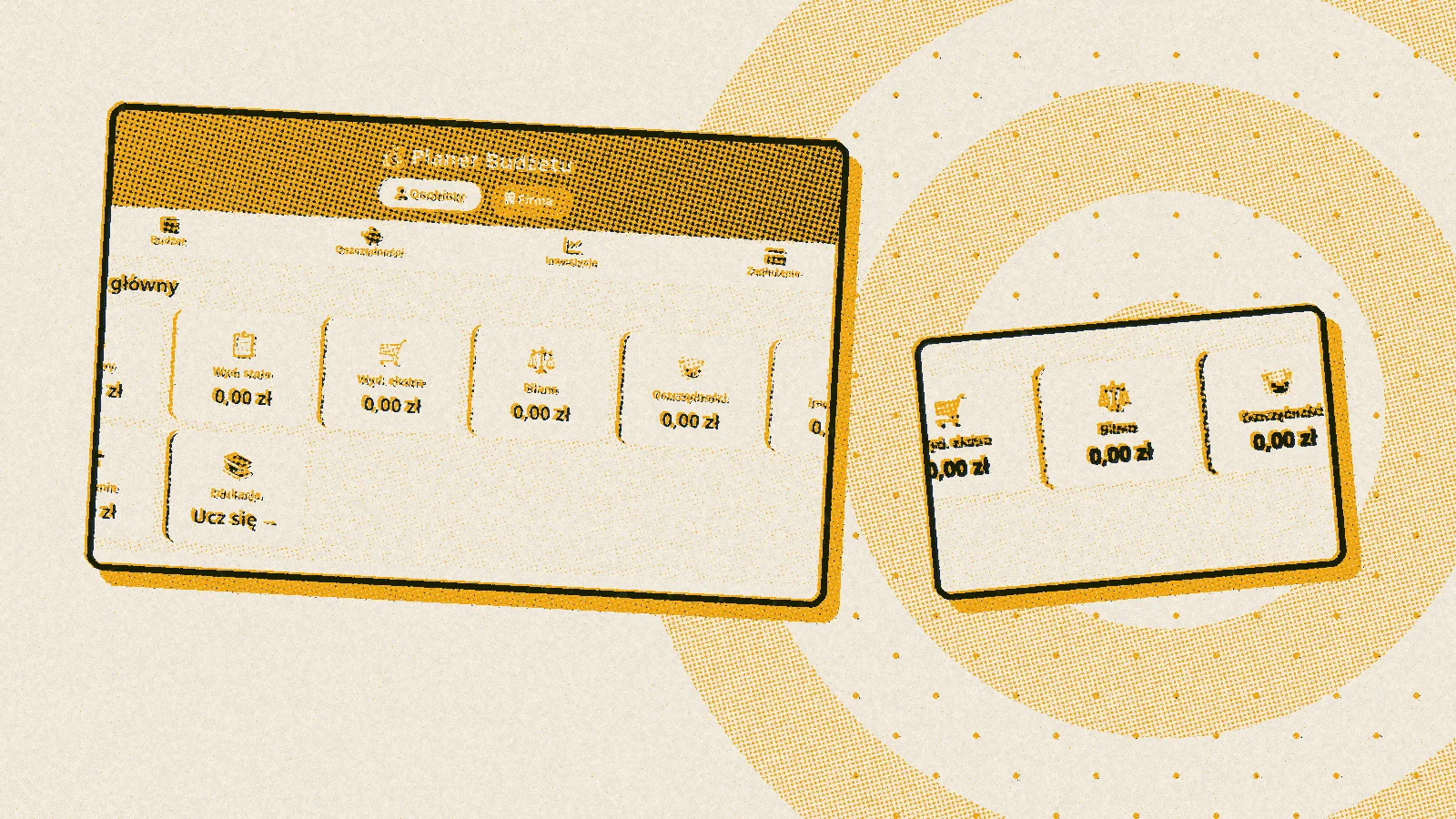
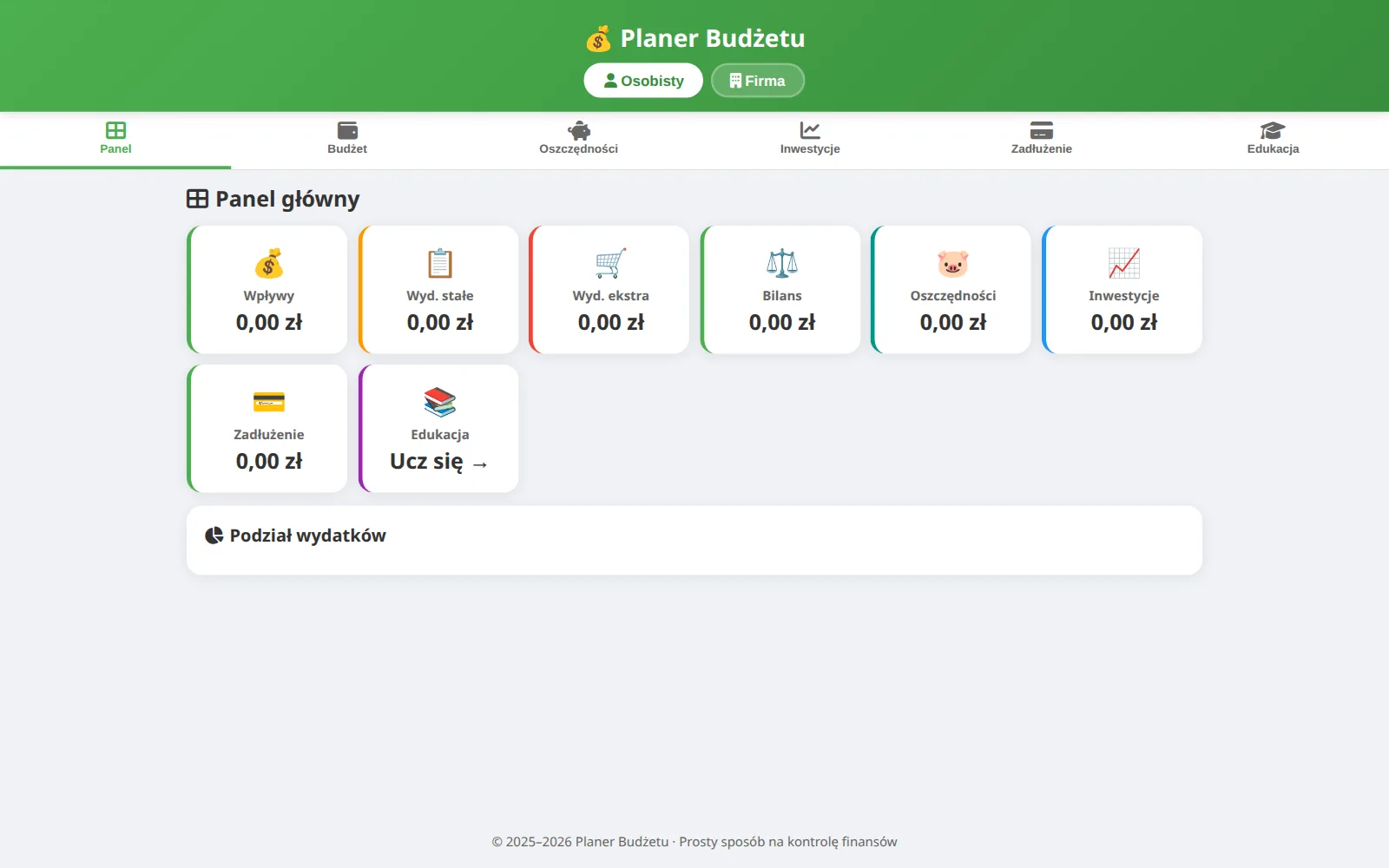
I started the budget planner in December, and in March I wrote it again from scratch as a simpler version with tiles. The current one has several profiles, including a sample one you can look around in without entering your own data, three languages and three currencies, saving and loading data in a file that an ordinary spreadsheet can open, and four sections: budget, savings, investments and debts. On top of that there is an educational part with a short quiz, drawn at random from a pool of thirty questions.
This project taught me what an app looks like on a real phone, not in a preview on a computer. The tab bar, which looked fine on a computer, had to be fixed separately on the iPhone.
English, Quizlet style
From the same need as the planners came a simple app for learning English words and sentences, modelled on the popular Quizlet flashcards. A Polish prompt appears on the screen, and your task is to type the translation. There is also a mode in which you translate a whole series at once, which is useful for practising tenses in full sentences. The whole app came together in two short sittings, which shows that sometimes very little programming is enough for learning.
An online music game
I spent the most time on a music game in which I combined two well-known games. From Hitster I took the timeline: you hear a fragment of a song and have to place it in the right spot between the songs already on the timeline. From SongPop I took guessing the artist and the title. You get one point for the right place on the timeline, a second for the artist and a third for the title, and the game is won by whoever collects ten cards first.
It ended up with several modes. You can play on one phone, passing it from hand to hand, with names and scores for several players. You can play alone, with just the timeline. The most interesting, though, is the online game: someone creates a room, the others join via a QR code, and the music plays either from one device acting as the DJ or on each player's phone. On top of that came a SongPop-style one-on-one duel, played in turns, with a short challenge link and profiles with unique nicknames.
Behind the scenes, everything depended on several phones knowing about each other as things happen: when one player places a song on the timeline, the others have to see it straight away. Game rooms run on a Cloudflare service, where one place keeps track of the game and passes every move on to all players. I collected the song list automatically from several sources at once, including Spotify and iTunes, and since these services limit how much you can take from them and sometimes simply refuse, I had to find ways around those obstacles. The result was 2368 songs by 606 artists, with added classics from the sixties, seventies and eighties. The thirty-second song clips come from Deezer and pass through my own go-between on the way, because links from music services expire quickly, and the browser will not let you fetch them directly from someone else's site.
So that I would not have to click manually for two players, I set up automatic tests that open two browsers at once and play a whole duel in them by themselves. This is a project for learning and for fun, not a product: the music and the game idea have their own owners, so I do not plan to release it.
What it was all for
Each of these small projects added something to the bigger ones. The planners taught me to make apps that work without internet and without an account, the budget planner how a phone behaves, and the game how to make several devices see the same thing at the same moment, which the whiteboard for online lessons cannot do without either. A small project is a good place for mistakes, because they cost little there, and the lesson is the same.