
Where the idea came from
Nobody handed me this idea. It grew out of what I went through myself with two of my own websites: Algebra i Spółka and Duostrings, the site of our music duo.
A problem I had myself
I wanted to change one sentence, or one photo. To do that I had to open the code, find the right spot, fix it and upload the whole site again. Sometimes something got lost during the upload. It annoyed me, even though I had built the site myself.
If it made me angry, how must the owner of a salon, a workshop or a small studio feel, someone who has nothing to do with code? People like that need a website they can run on their own.
The idea actually ran on two tracks: besides my own frustration, I also looked at how mechanics, hairdressers, tradespeople and businesses near the border present themselves online. I write about that in a separate post, The mechanic who had no website.
The seed was already there
Along the way I noticed that both of my sites already had pieces of something bigger inside them. For Algebra I had built a panel with bookings, students and payments. Duostrings had a PDF quote generator and an automation that sent emails by itself. I worked in a panel like that every day, and it held the seed of a tool for running a small business from one place.
Hence the name
The website is only the first chapter. It is where the business introduces itself and gets its first phone calls. Then the rest begins: you need to send a quote, issue a bill, remind a customer about an appointment, and not lose anyone along the way. All of that happens in the panel, on the same account the website runs on. Hence Panel Biznesu (Business Panel), and not yet another “website builder”.
So the idea itself came straight from my own needs. Working out what the tool should look like took far longer.
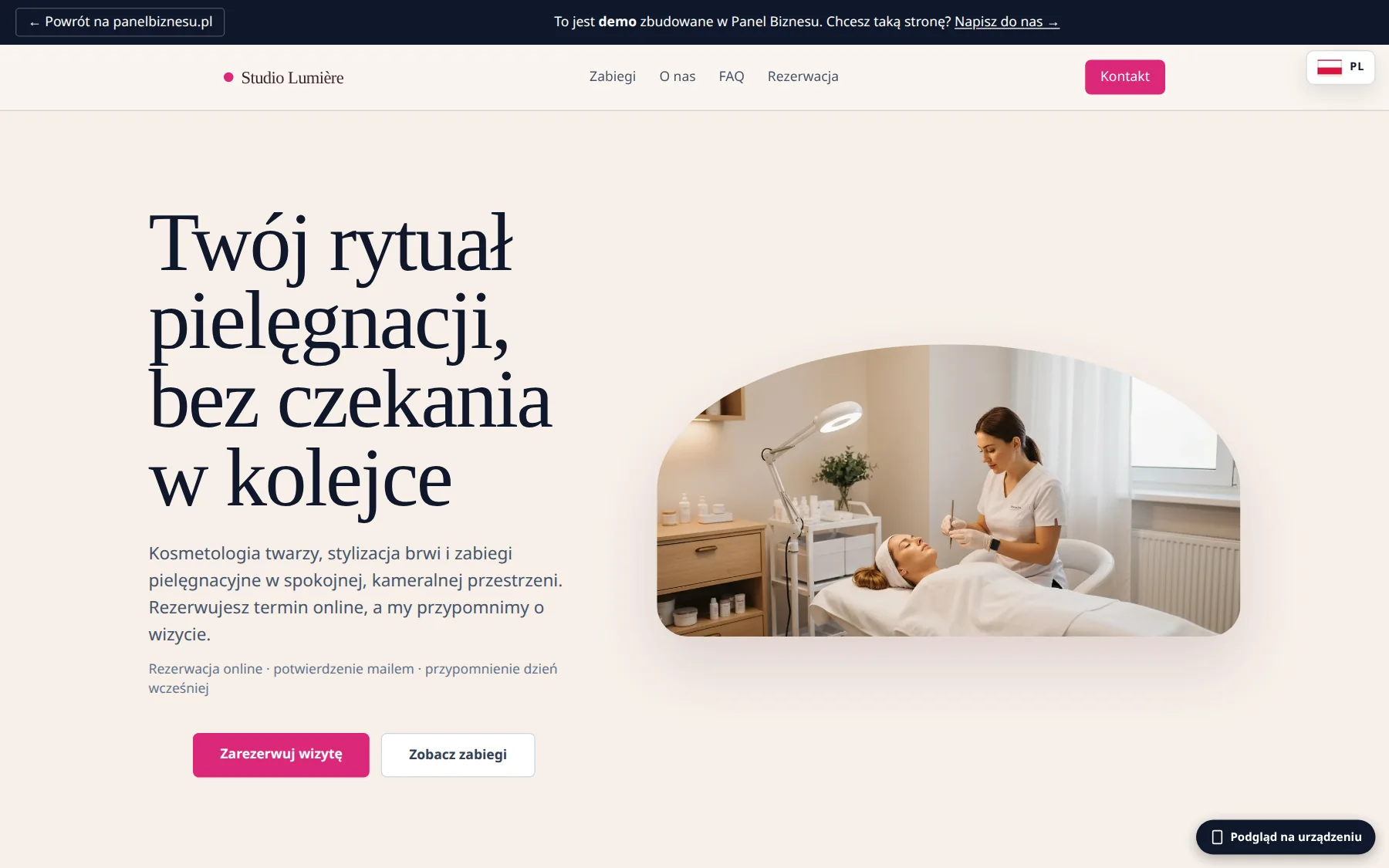
A studio like a presentation
Half a year looking for the shape
I made the first websites with ready-made templates for different trades at the beginning of March. By the end of April the first version of the Panel existed, still under another name. Its editor was a form: fields on one side, a preview on the other, plus an AI assistant for the texts. June brought a questionnaire that led you step by step to a package and a price. In July I built a configurator with a live preview for desktop and phone.
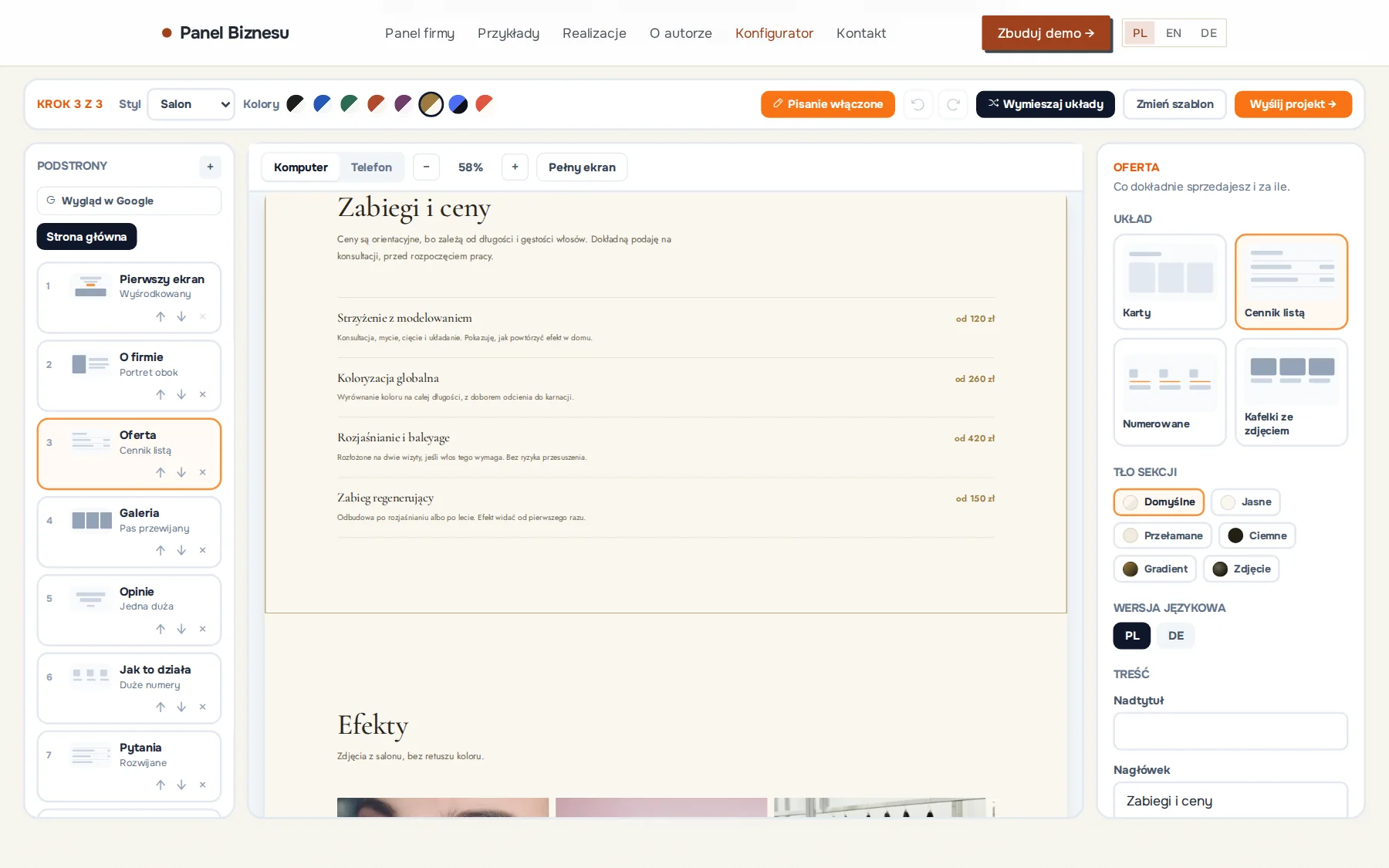
Each of these versions worked, and the idea kept maturing. In the end I came back to a comparison that had been on my mind for a long time: a PowerPoint presentation. Almost anyone can edit one. The slides are on the left, what you see is in the middle, and the settings of the selected element are on the right. You click into the text and type. Nobody fills in a form to change a heading on a slide. Why should they have to do it on their company website?
September: everything from scratch
The rebuild took the first half of September. The biggest change came on 10 September, when the engine that assembles pages from blocks went live together with the presentation-style studio, with subpages and sections on the left, the preview in the middle and settings on the right. At last you could click a sentence on the page and edit it directly.
That mattered more to me than it might sound, because the amount of work involved in a simple text correction was exactly what had bothered me from the beginning. Now the editor was finally addressing that problem in a way I liked.
Two days later I removed the old model, in which every client had a separate server. More than sixty thousand lines of code disappeared along with it. The owner’s panel shrank from fifteen tabs to five.
What was hard
The look came first. The old configurator had one page skeleton and four colour sets, so all the demos looked like the same template in a different colour. The new engine has 14 kinds of section and 37 variants, where a variant means a different layout rather than a different shade. On top of that there are six styles and eight palettes.
Then the order of things. The old configurator asked its questions first and showed the page only at the end. Now it works the other way round. You pick a trade and a template, and in the studio everything is already filled in with text. You only change what does not suit you.
Typing on the page itself ate up the most time. The preview saved after every letter, redrew itself and lost the cursor. Now the preview refreshes only when you leave the field. A correction made in the English version could land in the Polish one, until saving learned to remember which language someone was writing in. In full-screen mode the editing panels vanished, leaving a nice view in which nothing could be changed. On tablets the section list and the settings simply did not fit next to the preview, so they became sliding drawers.
How it works today
In the builder you choose a trade, one of eight templates and a language, and you get a website with ready-made texts in Polish, German or English. You change a text by clicking on it. You paste or drag in a photo and crop it in place. If you want to see a different layout, the “Shuffle layouts” button draws new section variants without touching the content. The whole draft saves itself in the browser half a second after every change, so closing the tab does not wipe anything, and if you make a mistake you can undo fifty steps.
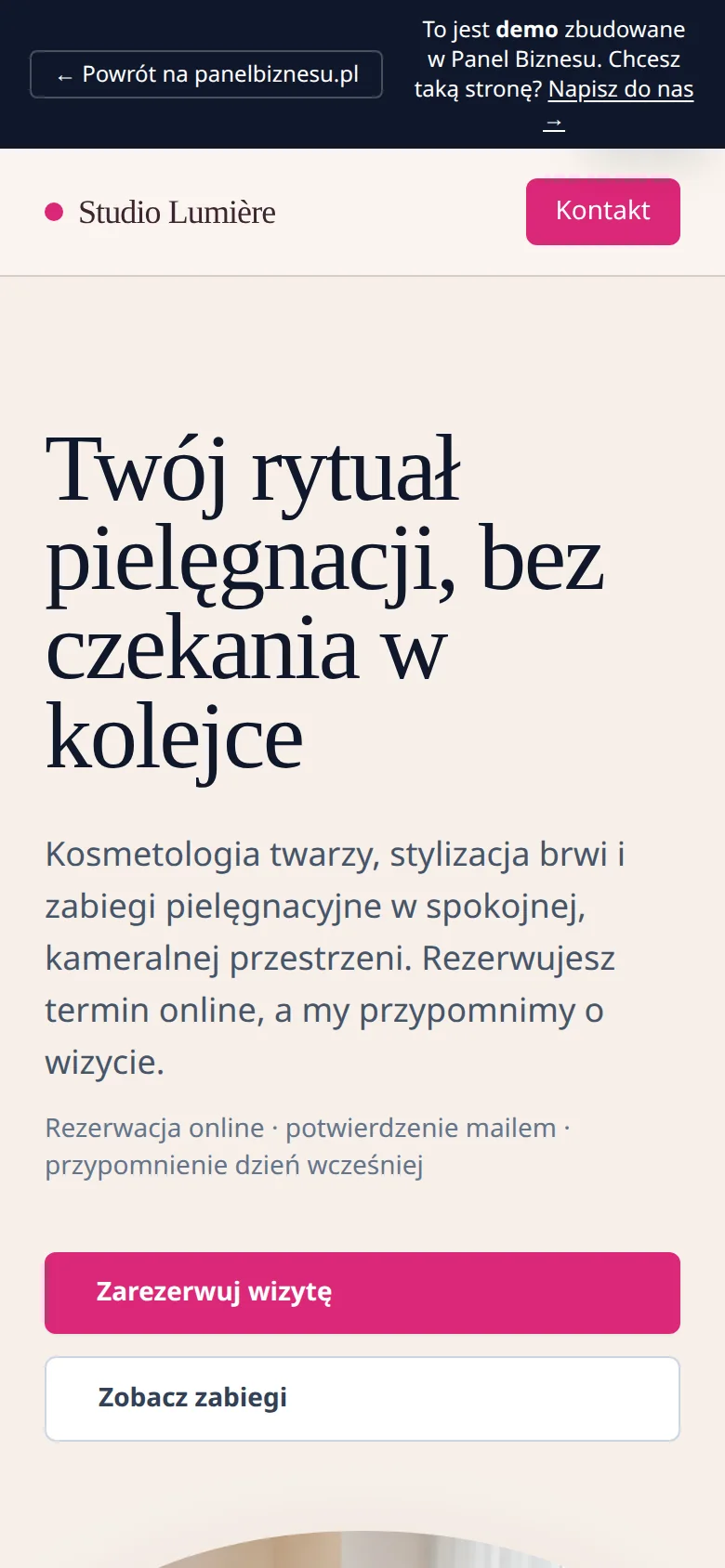
The same studio also works in the company panel, where quotes and bills are handled too. Changes go live with a single button. The history keeps twenty versions, and any of them can be restored. You can open the builder without creating an account: panelbiznesu.pl/en/konfigurator. There is more about the whole Panel on the project page.